Showing posts with label vocabulary. Show all posts

Monday, January 11, 2016

Voc App Flashcards


VocApp flashcards are wonderful for learning vocabulary.  The flashcards can be accessed via the web, the iOS app, or the Android app.  The VocApp flashcards are unique because they are multisensory.  If learning a new language, learners can have VocApp read answers or display photos on the cards.  Pre-readers can surely benefit from the audio feature.

Create an account to save flashcard lists.  There are several ways to create cards.  You can simply enter in the information or if learning a language, select the language and have VocApp supply the answer for you.

A list of words can quickly be imported or a larger amount of text can be assessed to auto-create flashcards from the most used words.

Click the button to personalize the autocomplete settings:
Flashcards can be enhanced with the onscreen tools in the web app:

Flashcards can be created in the mobile apps as well.

Thursday, February 12, 2015

Tagul - Clickable Word Clouds


Tagul is a fantastic free tool to reinforce academic vocabulary.  The tool provides various shaped word clouds with an added feature - interactive links specified by the cloud creator (try clicking the cloud shown above).

  1. Create an account or sign in:
  2. Click the button
  3. Enter a name in the CLOUD NAME field:


    IMPORTANT STEP!!!
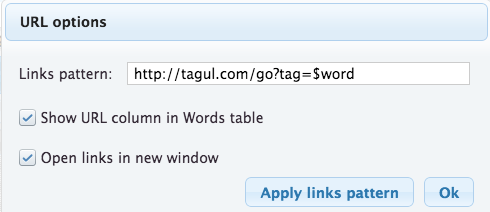
    This step is necessary for the interactive linking features
  4. Click the   button
  5. Place a checkmark next to:
    - Show URL column in Words table
    - Open links in new window (optional)
  6. Click OK
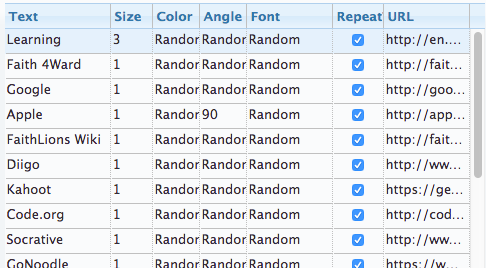
  7. Under the WORDS section:
    - Enter in the words or phrases under the TEXT column
    - Optional - select a SIZE, COLOR, ANGLE, FONT or REPEAT
    - 
    Copy and Paste desired URLs into the URL column:
  8. Periodically, click the button
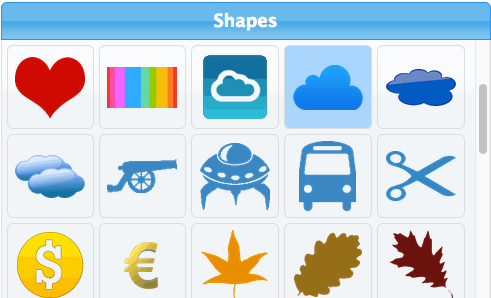
  9. Select a preferred shape under the SHAPES section:
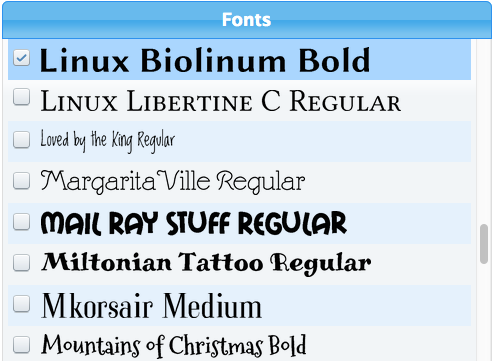
  10. Select the desired font under the FONTS section:
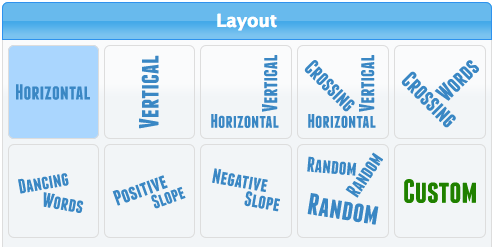
  11. Select a preferred layout under the LAYOUT section:
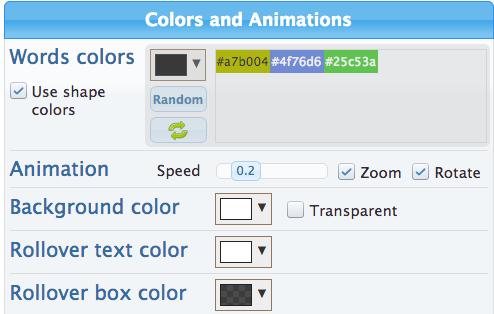
  12. Select desired colors and animations under the COLORS AND ANIMATIONS section:
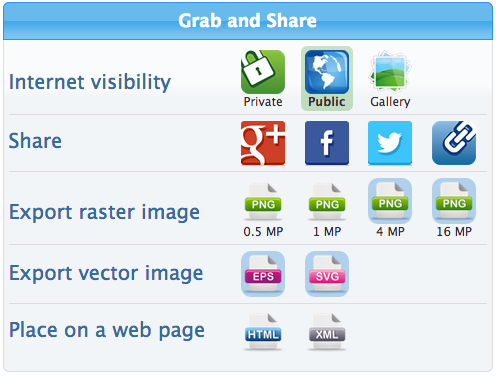
  13. Specify sharing options under the GRAB AND SHARE section:
See Tagul's FAQ page for additional help.