
Tagul is a fantastic free tool to reinforce academic vocabulary. The tool provides various shaped word clouds with an added feature - interactive links specified by the cloud creator (try clicking the cloud shown above).
- Create an account or sign in:

- Click the
 button
- Enter a name in the CLOUD NAME field:

IMPORTANT STEP!!!This step is necessary for the interactive linking features - Click the
 button
- Place a checkmark next to:
- Show URL column in Words table
- Open links in new window (optional)
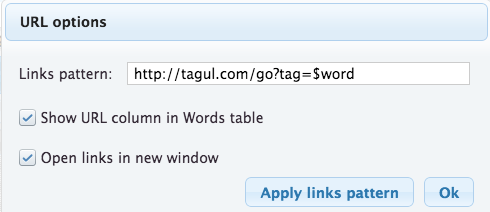
- Click OK
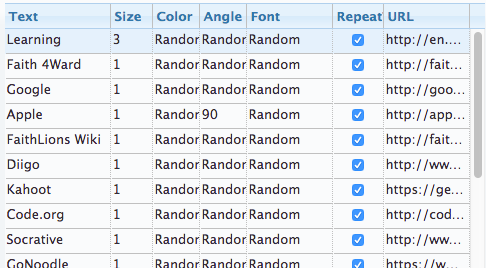
- Under the WORDS section:
- Enter in the words or phrases under the TEXT column
- Optional - select a SIZE, COLOR, ANGLE, FONT or REPEAT
- Copy and Paste desired URLs into the URL column:
- Periodically, click the
 button
- Select a preferred shape under the SHAPES section:
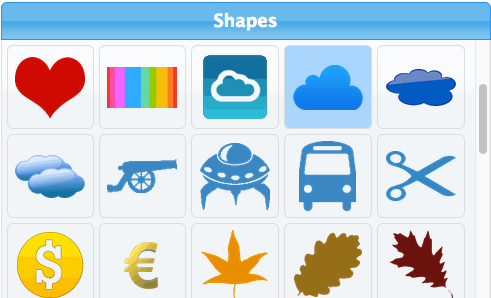
- Select the desired font under the FONTS section:
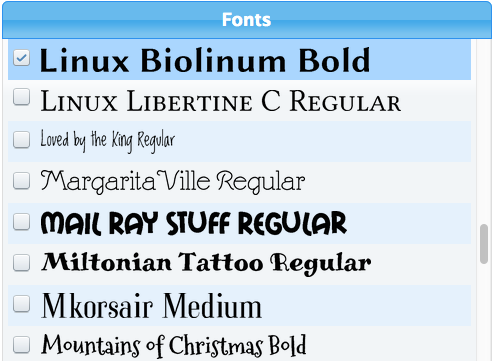
- Select a preferred layout under the LAYOUT section:
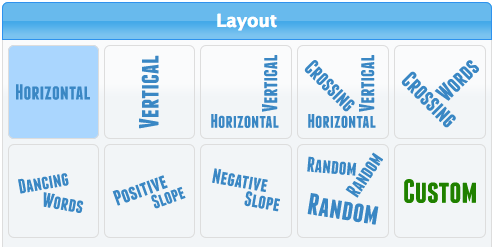
- Select desired colors and animations under the COLORS AND ANIMATIONS section:
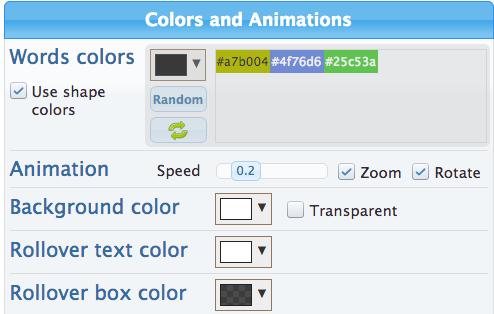
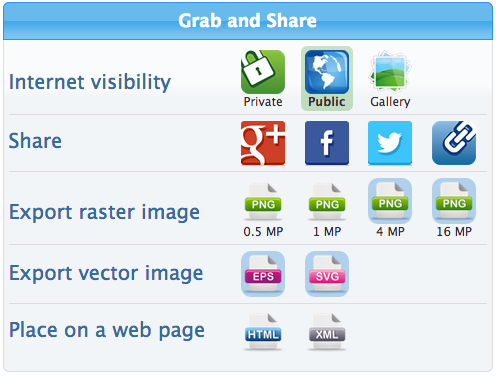
- Specify sharing options under the GRAB AND SHARE section:


 **Be sure to upgrade to an Educator's account